Zero-Trust Network Simulation with Adaptive Policies and Insider Threat Detection: A Q&A Guide
Zero-trust architecture is no longer optional—it's a cybersecurity imperative. This Q&A breaks down how to build a realistic zero-trust network simulation that models micro-segmented environments as directed graphs, enforces continuous verification, and detects insider threats in real time. You'll learn about the dynamic policy engine that blends attribute-based access control (ABAC), device posture, MFA, path reachability, zone sensitivity, and live risk signals. The simulation is operationalized via a Flask API, and mixed traffic—including lateral movement and exfiltration—shows how trust scoring, adaptive controls, and automated quarantines block malicious flows.
1. What does the zero-trust network simulation model?
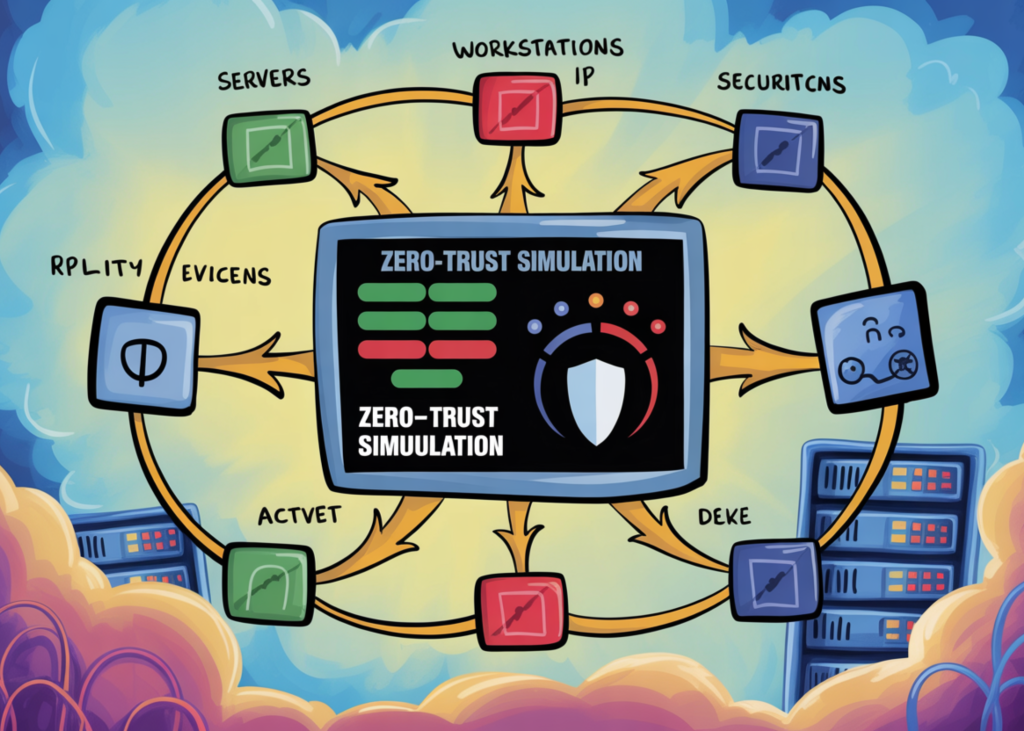
The simulation models a micro-segmented environment as a directed graph. Each node represents an asset (e.g., a service, database, or gateway), and edges indicate allowed communication paths—but no request is trusted by default. Every action must pass continuous verification. The graph is organized into five security zones: public, DMZ, app, data, and admin, each with a sensitivity level (0.15 to 0.95). Assets within zones include services like cdn, orders_svc, customer_db, and iam. The simulation also incorporates roles, device types, and network contexts to reflect a realistic enterprise environment.
2. How does the adaptive policy engine work?
The policy engine blends ABAC-style permissions with dynamic factors: device posture (a score between 0 and 1), MFA status, path reachability, zone sensitivity, and live risk signals such as behavior anomaly and data-volume indicators. For each request, the engine computes a trust score using a sigmoid function that normalizes the weighted combination of these factors. If the trust score falls below a threshold, the request is denied or flagged for additional verification. This approach allows policies to adapt in real time to changing risk levels—for example, a sudden spike in data transfer from a sensitive zone might lower trust and trigger a quarantine.
3. What is insider threat detection and how is it integrated?
Insider threat detection is built into the simulation by generating mixed traffic that includes lateral movement and exfiltration attempts. The system monitors for abnormal behavior—like a user accessing assets they've never accessed before, or transferring large volumes of data from a high-sensitivity zone. The behavior anomaly score and data volume signal are fed into the policy engine. When trust dips below a preset threshold, automated actions such as quarantining the user or blocking the connection occur. This simulates how a real zero-trust system would respond to an insider who has compromised credentials or is acting maliciously.
4. How is the simulation operationalized through a Flask API?
The simulation exposes a Flask API that accepts request contexts (user, role, device, source, destination, action, etc.) and returns a trust score, a decision (allow/deny/quarantine), and a reason. The API endpoints allow external tools to query the policy engine. Internally, the API invokes the same graph-based path reachability checks, risk scoring functions, and policy rules used in the simulation. This makes it easy to integrate the zero-trust logic into existing workflows or to test different traffic scenarios programmatically.

5. What roles and device types are considered in the simulation?
The simulation defines six roles: customer, employee, analyst, engineer, admin, and secops. Each role has a different baseline trust level and allowed actions. Devices are categorized as managed_laptop, managed_server, byod_phone, or unknown_iot, each with a posture score reflecting trustworthiness. Network context can be corp_lan, corp_vpn, public_wifi, or tor_exit, which further modulates risk. Combined, these attributes let the policy engine make granular decisions—for example, a customer on a BYOD phone over public wifi would have a much lower trust score than an admin on a managed laptop from the corporate LAN.
6. How does trust scoring block malicious flows in real time?
When a request arrives, the engine calculates a trust score using a weighted sum of factors: device posture, MFA status, role trust, zone sensitivity, behavior anomaly, data volume, and network context. This sum is passed through a sigmoid function to normalize it between 0 and 1. If the score is below a threshold (e.g., 0.5), the request is denied and the reason is logged. For borderline cases, the system may require step-up authentication. If the anomaly score exceeds a limit, the user is automatically quarantined—removed from the allowed paths. This real-time scoring prevents lateral movement and exfiltration before data leaves the network.
7. What are the key utility functions and how do they support the simulation?
The simulation uses several Python utilities to ensure deterministic behavior and clarity. _sigmoid and _clamp normalize trust scores. _stable_hash produces consistent IDs for assets and users, aiding reproducibility. _rand_choice_weighted selects items (e.g., traffic types) with specified probabilities. _now_ts provides timestamps. _pretty formats JSON output for readability. These functions are not just helpers; they underpin the fairness and repeatability of the simulation, allowing developers to debug policies or compare different risk models under the same conditions.