Samsung One UI 9 Beta Introduces Revolutionary Anti-Distraction Feature with PIN Lock and Scheduled Downtime
Introduction: The Growing Need for Digital Wellness
In an era where smartphone notifications and endless scrolling compete for our attention, digital wellness features have become essential. Samsung's One UI has long offered tools like Focus Mode and Digital Wellbeing, but the upcoming One UI 9 beta takes a bold new step. According to recent discoveries, Samsung is developing its most aggressive anti-distraction feature yet—one that goes beyond simple app blocking to completely sever internet access for selected apps. This article explores what we know about this upcoming tool, how it works, and how it could transform productivity and parental control.
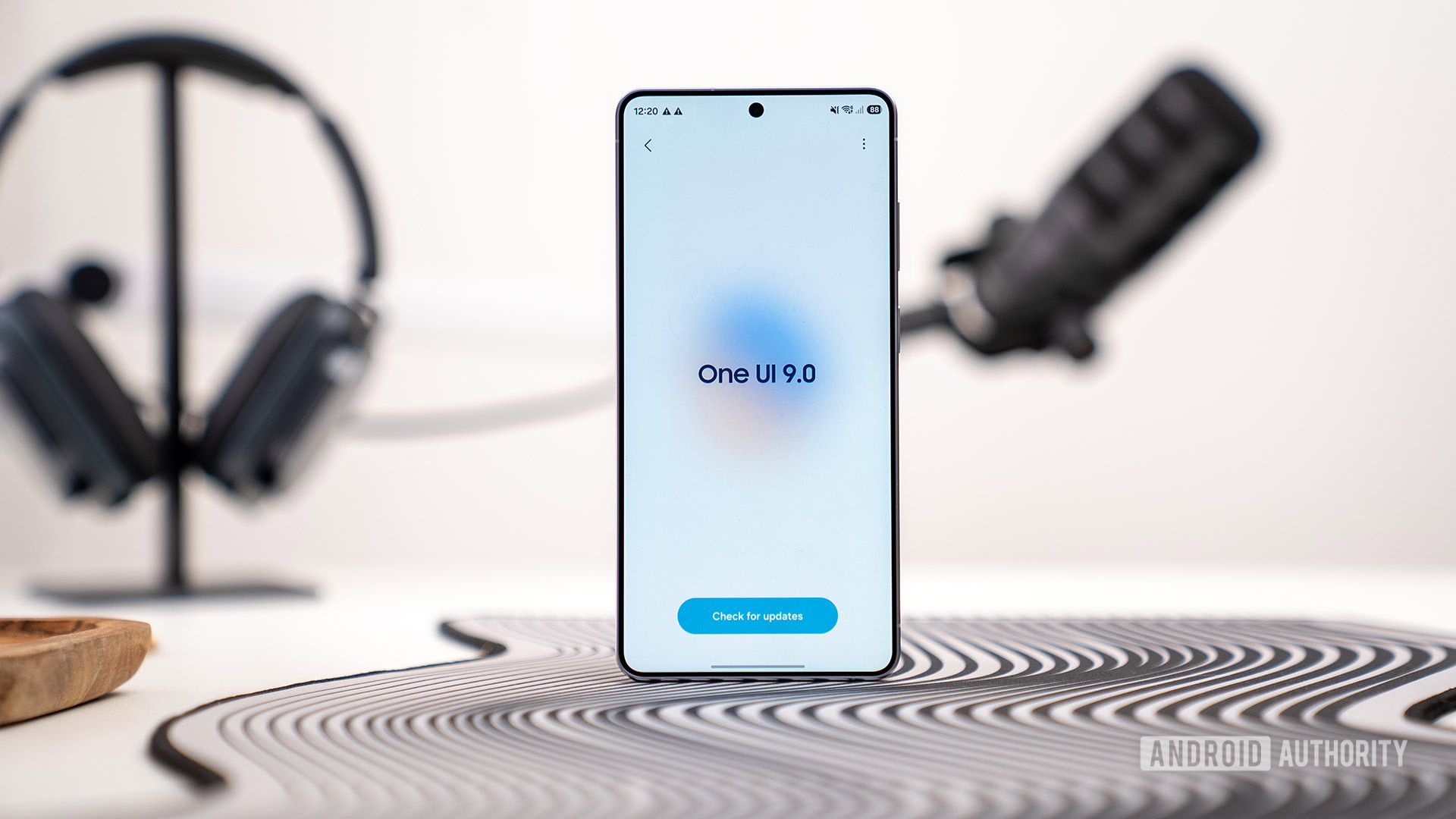
What is One UI 9's New Anti-Distraction Tool?
The feature, first spotted in the One UI 9 beta code, allows users to block internet access for specific applications deemed distracting. Unlike conventional app blockers that prevent opening the app entirely, this tool targets the network layer—meaning the app can still be opened, but it cannot connect to the internet. This is a nuanced approach: users can still access offline content or features within the app, but the addictive elements like social feeds, video streams, or live updates are disabled.
Early reports indicate that the feature includes PIN protection to prevent users from easily disabling the restriction during moments of weakness. It also offers scheduled Downtime controls, allowing automatic activation during specific times (e.g., work hours, bedtime). Together, these elements suggest Samsung is crafting a hybrid tool that serves both parental control and personal productivity needs.
How It Works: PIN Protection and Scheduled Downtime
PIN Protection: Locking Down Willpower
One of the standout aspects is the integration of PIN protection. When a user sets up internet blocking for a distracting app, they can lock the configuration with a PIN. This prevents the user from easily turning off the restriction in the heat of the moment. For example, if you're trying to curb your Instagram habit but find yourself mindlessly reaching for the app, you'll need to enter the PIN to restore internet access—a barrier that gives you a moment to reconsider.
Scheduled Downtime: Automating Focus
The scheduled Downtime controls allow users to define time windows during which specific apps are blocked from internet access. For instance, you could set a rule that blocks social media apps from 9 AM to 5 PM on weekdays, or blocks gaming apps after 10 PM. This automation reduces reliance on manual willpower and ensures consistency. Combined with PIN protection, it creates a system that's both flexible and secure.
Where to Find It: Connectivity Labs in One UI 9 Beta
As of the latest One UI 9 beta update (May 14, 2026), the feature appears to be accessible through a new menu called Connectivity Labs. Screenshots obtained by Android Authority show a dedicated section where users can manage internet blocking for individual apps. The interface lists all installed apps with toggle switches, and tapping on an app reveals options for PIN setup and scheduling. It's currently unclear whether this will be a dedicated Labs feature or integrated into existing Digital Wellbeing settings in the final release.
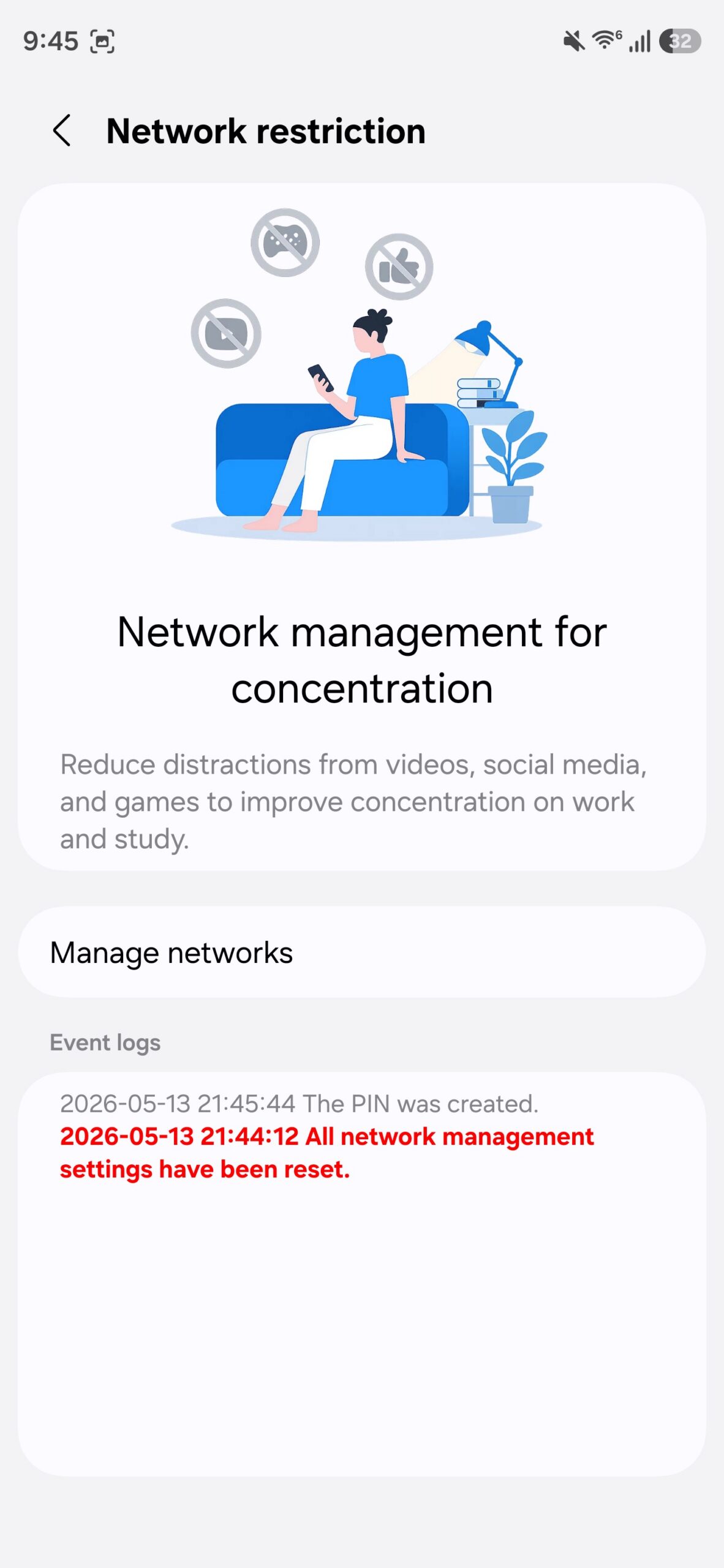
The inclusion in Connectivity Labs suggests Samsung is still testing the feature and may refine it based on user feedback. Early beta testers can try it out by navigating to Settings > Connectivity Labs (if available) and enabling the 'Block internet for apps' toggle.
Potential Use Cases: Parental Controls and Productivity
Parental Control Applications
For parents, this tool offers a new level of control over children's device usage. Instead of simply limiting screen time (which can be bypassed), they can block internet access for social media, streaming, or gaming apps while still allowing offline educational apps or messaging. The PIN protection ensures kids can't disable the restrictions, and scheduled Downtime allows automatic enforcement during school hours or bedtime. This hybrid approach addresses the common challenge of monitoring online activity without disabling the entire device.
Productivity and Self-Discipline
Professionals and students can also benefit. By blocking internet access for distracting apps during work sessions, they can stay focused without the risk of accidental notifications or mindless browsing. The scheduling feature enables automatic activation during deep work blocks, while the PIN lock adds an extra layer of commitment. Unlike traditional app blockers that completely hide the app, this approach allows users to still access downloaded content, such as offline articles or pre-saved videos, making it less frustrating.
Conclusion: A Promising Step in Digital Wellness
Samsung's new anti-distraction tool in One UI 9 beta represents a thoughtful evolution in smartphone digital wellness features. By targeting network access rather than app presence, it offers a flexible yet powerful way to manage distractions. The inclusion of PIN protection and scheduled Downtime makes it suitable for both parental control and personal productivity, potentially setting a new standard for other manufacturers. As the beta progresses, we expect further refinements and possibly broader integration into the final One UI 9 release. If you're a beta tester, try out the Connectivity Labs feature and share your experience—your feedback could shape the final product.